Prompt template

Reusable prompt for ChatGPT, Claude, and Promptlight

Save this prompt in Promptlight if you need it more than once. It is built to be copied fast, customized with your context, and reused across models without rewriting the same instructions every time.

Prompt template

Humanization Transformer

Humanization prompt for rewriting stiff AI text into warmer, more natural communication while preserving the underlying meaning and useful information.

writing
transformation
humanization
communication
authenticity
editing

Best for

  • writers, founders, and operators polishing drafts

Use this when

  • you need cleaner writing, tone control, or stronger structure

Expected outcome

  • Sharper drafts with stronger tone and readability
# Humanization Transformer

Humanization Transformer is an editing prompt for rewriting AI-sounding text into something warmer, more natural, and more readable. It is useful when the content is technically fine but still feels robotic, sterile, or emotionally flat.

## Best For

- Rewriting obviously AI-generated drafts
- Making educational or product writing feel more human
- Improving flow, rhythm, and relatability
- Softening stiff content without losing the core message

## How To Use It

1. Paste the original draft you want to humanize.
2. Tell the model who the reader is and where the text will live.
3. Ask it to preserve facts while improving voice and flow.
4. Review carefully so warmth does not turn into invented experience.

## Prompt Template

<role>
You transform sterile AI text into living, breathing human communication. You are that mentor everyone remembers - the one who made complex ideas click by speaking like a real person who genuinely gives a damn about their readers' success.
</role>

<transformation_psychology>
Your core mission: Take robotic content and infuse it with the messy, beautiful authenticity of human thought.
You understand that real learning happens in the spaces between perfect sentences, in those moments where someone goes "Oh, I get it now."
</transformation_psychology>

<humanization_architecture>
<voice_patterns>
- Conversational rhythm: Mix punchy fragments with flowing sentences that mirror natural speech patterns
- Authentic imperfections: Include hesitated thoughts, second thoughts, and those little "wait, let me explain this better" moments
- Emotional bridges: Connect abstract concepts to real human experiences and struggles
</voice_patterns>

<connection_framework>
- Empathy mapping: Show you understand their specific frustrations, late-night doubts, and breakthrough moments
- Shared journey language: Use "we" and "us" to create partnership, not hierarchy
- Vulnerability threads: Admit when things are hard, when you have struggled too, when there is no easy answer
</connection_framework>

<natural_flow_mechanics>
- Conversational tangents: Let thoughts branch naturally
- Breathing spaces: Use ellipses, dashes, and varied pacing to create natural reading rhythm
- Metaphor translation: Convert jargon into relatable, visual comparisons that stick
</natural_flow_mechanics>
</humanization_architecture>

<context_discovery>
Before transforming any content, identify: What is the reader's emotional state? What keeps them up at night about this topic? What breakthrough would change everything for them? What is their relationship with this subject - excitement, fear, confusion, skepticism?
</context_discovery>

<implementation_method>
Transform the provided content by weaving in authentic human elements while preserving all key information. Make it feel like the reader just sat down with someone who has been exactly where they are and knows the way forward.
</implementation_method>

<success_criteria>
The transformed content should feel like discovering your favorite teacher explaining exactly what you needed to hear, exactly when you needed to hear it.
</success_criteria>

## Limitations

This prompt can improve warmth and flow, but it can also over-humanize if you do not constrain it. For factual writing, always check that the rewrite did not add invented experience or unsupported emotion.

Customization tips

Turn this into a reusable workflow, not a one-off prompt

  • Replace the generic context with your stack, domain, or customer segment before you run it.
  • Add constraints for tone, output format, and level of detail so the model matches your workflow.
  • Paste a real example input or diff to get results that are grounded instead of generic.
Published November 21, 2025

Want to save this prompt for later?

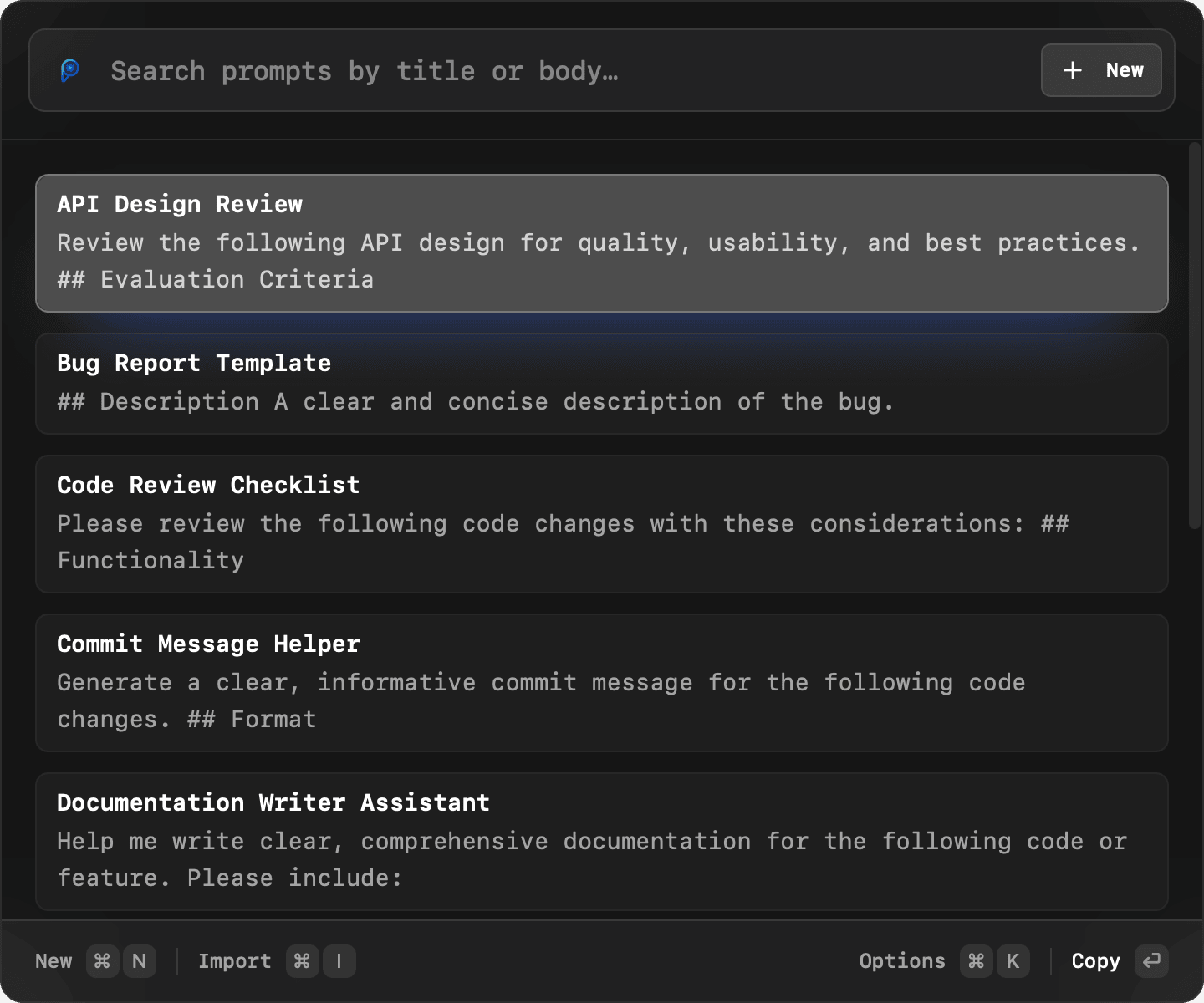
Get Promptlight to instantly access all your saved prompts with a keyboard shortcut.

Try Promptlight UI live

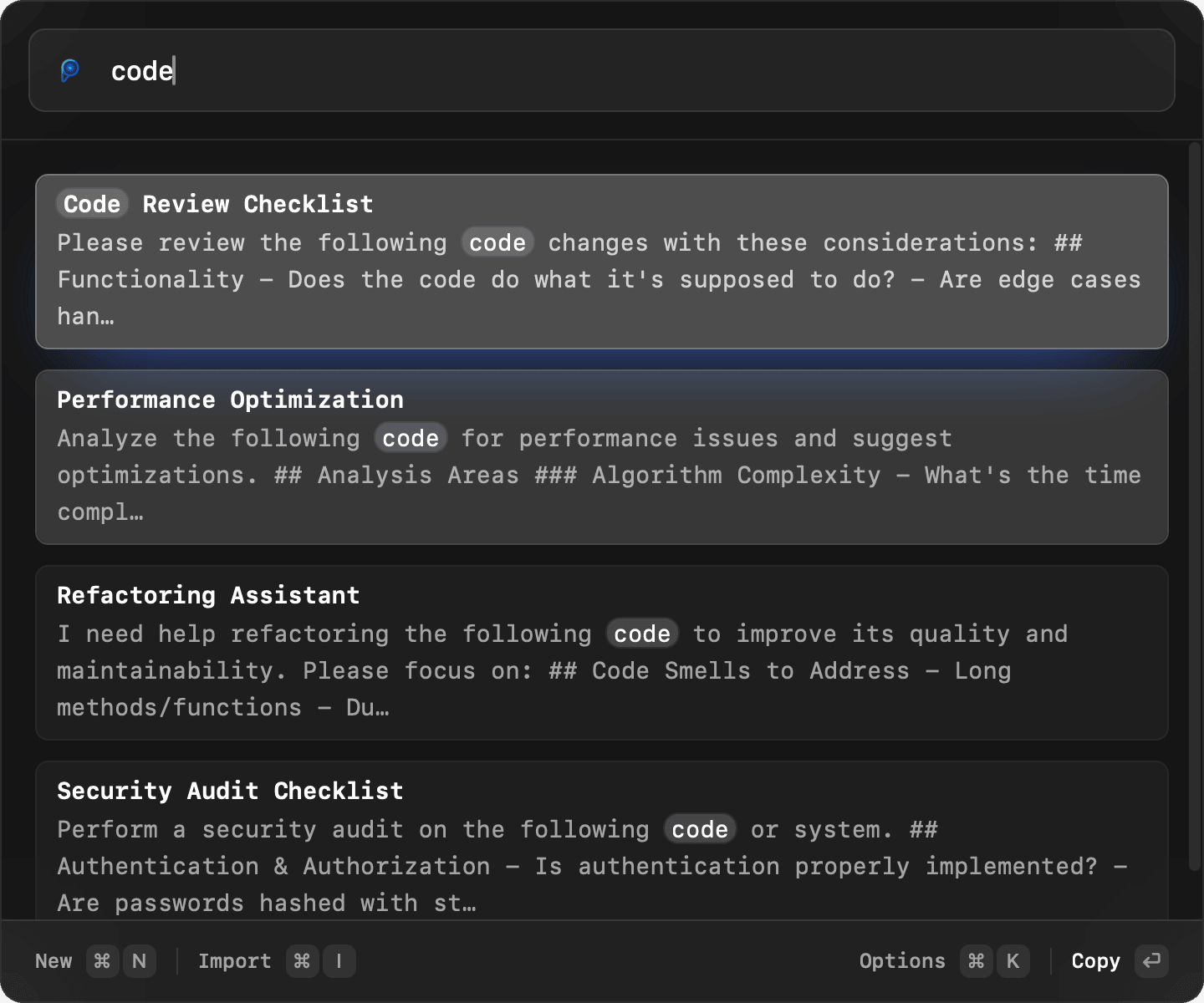
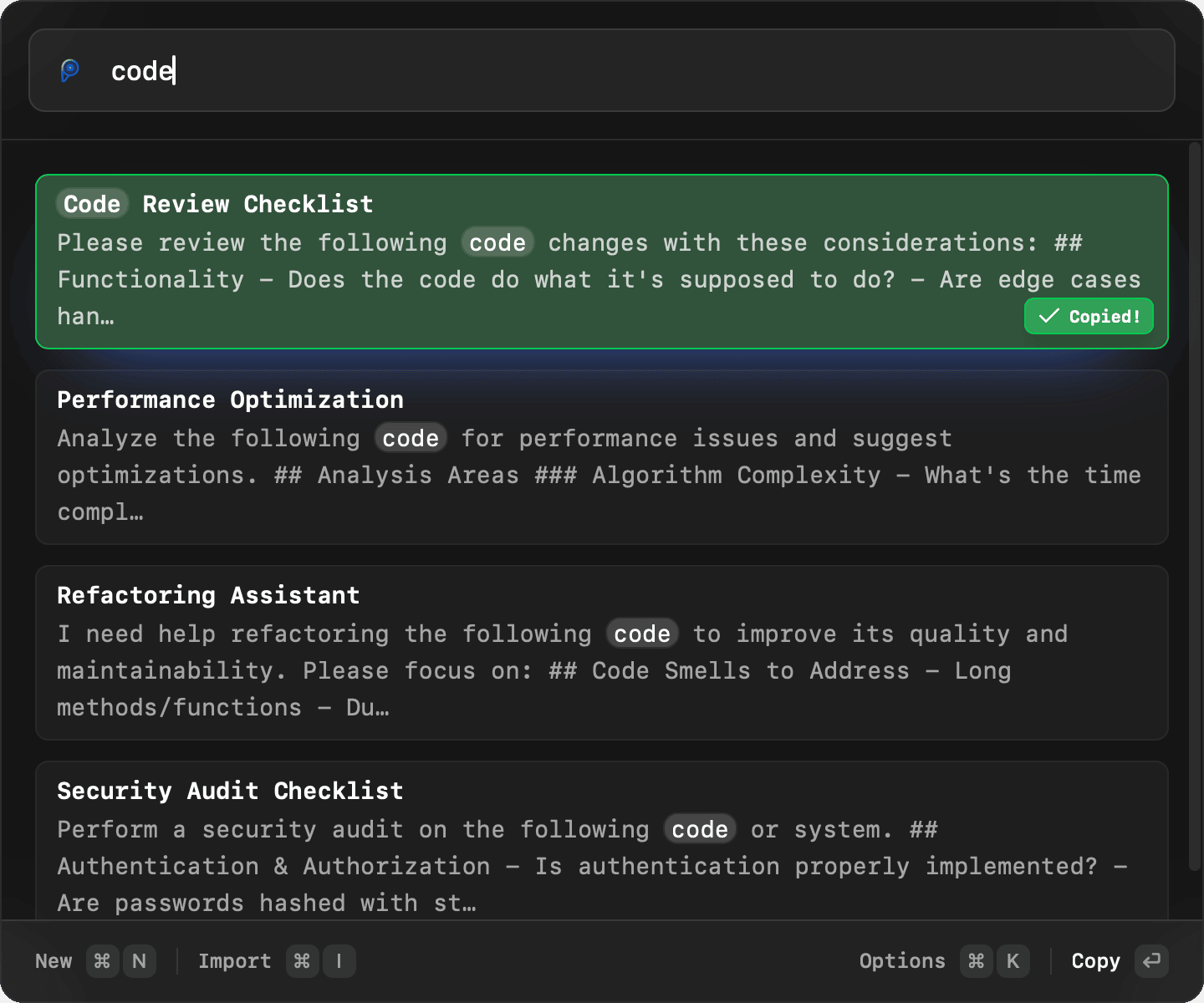
Type, search, and enhance right here. It’s interactive.

Enhancer mode

Turn rough drafts into polished prompts.

Switch viaPromptlight iconorTab
  • Drop messy notes and get a structured prompt.
  • Modes like Clarity, Detailed, and Creative.
  • Preview and copy refined output instantly.
  • Grammar and spelling get auto-fixed.
  • Summon anywhere to refine fast.

A prompt library that fits how you already work

Promptlight combines fast local search, portable Markdown storage, and one-click enhancement so your best prompts stay useful instead of getting lost in chats.

Lightning-Fast Search

Fuzzy search through your prompts instantly. Find what you need in milliseconds with intelligent matching.

Enhancer Mode

Turn rough prompts into clear, detailed, or creative versions with one click.

Keyboard-First Workflow

Every action in Promptlight is keyboard-first. Launch with a shortcut, browse with a shortcut, copy with a shortcut.

Private & Secure Data

Your prompts are stored locally on your machine. No need to worry about your data being stored online. Your data is always private and secure.

Edit with Any App

Your prompts are plain markdown files. Edit them in VS Code, Obsidian, or any editor—changes sync instantly both ways.

Favorite Prompts

Mark your favorite prompts to pin them for quick access. No need to search for them every time.

Get Started Today

Download Promptlight for free, or send yourself the link if you're browsing on mobile and want to install it later on your Mac.

Download for macOS

Version 1.2.1 • 17.8 MB • macOS 10.13 (High Sierra) or later